Learn the Methods for Creating NC Programs! Including the Advantages and Disadvantages of Each
On machining shop floors that utilize NC machine tools, the method used to create NC programs has a big impact on productivity, quality, and training costs. While the chosen method can improve work efficiency, it may also include drawbacks such as increased training burdens for new staff or capital investment. Understanding the characteristics of each method in advance is essential.
This article discusses the typical methods for creating NC programs—manual, interactive, and CAM software programming—and compares their respective advantages and disadvantages.
We also introduce how to avoid common issues that arise during implementation, such as dependence on individual staff and training costs.
We offer tips for selecting the method best suited to your company's needs, and for successfully automating and streamlining your production site.
What Are NC Programs?
NC programs are like "machining work instructions" for operating NC (numerical control) machine tools, describing machining details and operating procedures using numerical values and codes. These programs are essential for automating machining tasks such as drilling, milling, and threading on lathes, machining centers, and other machines.
Basic Structure and Workflow of NC Programs
Using an NC program generally involves the following steps.
- Create the Program
Write the code tailored to your machining requirements. - Perform Simulations and Check Operations
Check the program for errors and modify as necessary. - Perform Actual Machining
Once machining conditions are met, begin machining the actual workpiece.
This process is basically the same regardless of the method used to create the NC program.
Four Main Components for Controlling NC Machine Tools
NC units consist of the following four components, each of which plays a distinct role in operating the machine.
- Display Control Unit
Displays current coordinates and status on screen - Numeric Calculation Unit
Converts input codes into numerical values and performs calculations - Sequence Control Unit
Controls the sequence and signaling of machining processes - Servo Control Unit
Controls motors to move spindles and tables
Together, these components enable NC programs to "automate machining" and achieve "precise motion control," enhancing productivity in manufacturing sites.
Characteristics of the Main Methods for Creating NC Programs, Their Advantages, and Disadvantages
Broadly speaking, there are three main methods for creating NC programs: manual, conversational programming, and computer-aided manufacturing (CAM) software.
When choosing a method for creating NC programs, it is essential to understand the advantages and disadvantages of each. Each approach has its strengths and limitations, and their suitability varies depending on shop floor conditions and staff skills.
In this section, we explain the three major methods and compare their characteristics.
Method 1. Manual
Characteristics and Advantages
The manual method involves the operator creating a program by directly inputting G codes and other instructions into the NC machine tool's control unit.
This old-fashioned approach requires all machining details to be input by hand and demands skill and a deep understanding of NC codes.
Its strengths include the ability to make quick corrections and adjustments on the floor, without the need for specialized software or equipment. It is particularly well-suited for machining simple shapes and low-volume or single-item production.
Disadvantages
Because the manual method involves creating programs by directly inputting G codes into the machine's operation panel, one disadvantage is the need for knowledge of NC codes. Learning NC codes takes time, and training new staff can be challenging.
Moreover, as machining tasks become more complex, so does the code, increasing the risk of errors. It should also be noted that this method is heavily dependent on the technical capabilities of floor staff and tends to rely on individual skills.
Method 2. Interactive (Converse Method)
Characteristics and Advantages
Conversational programming automatically generates a program after machining conditions and dimensions are input according to the guide displayed on the machine's operation panel.
Because it requires no specialized knowledge of G codes or programming, even beginners can learn to operate the machine in a relatively short time.
This method is highly user-friendly and particularly effective for 2D machining and relatively simple processes. It is often pre-installed on the machine, and in some cases, no additional cost is necessary.
Disadvantages
Its disadvantage is the limited range of machining it can handle.
It may have difficulties handling cases requiring simultaneous control of three or more axes or complex machining.
Additionally, because the operator is often responsible for programming as well, it can be difficult to separate the work of machine operation and programming, potentially reducing work efficiency.
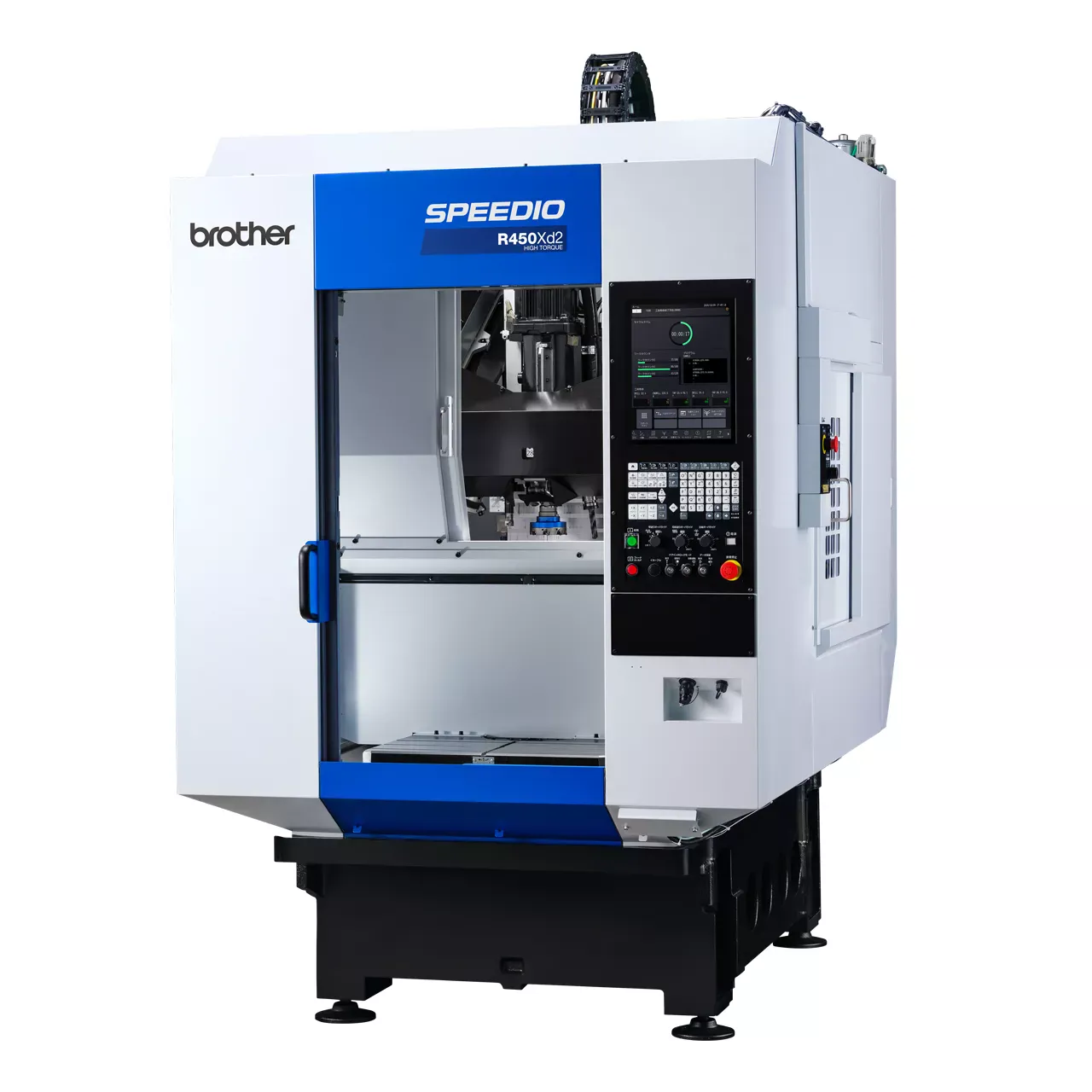
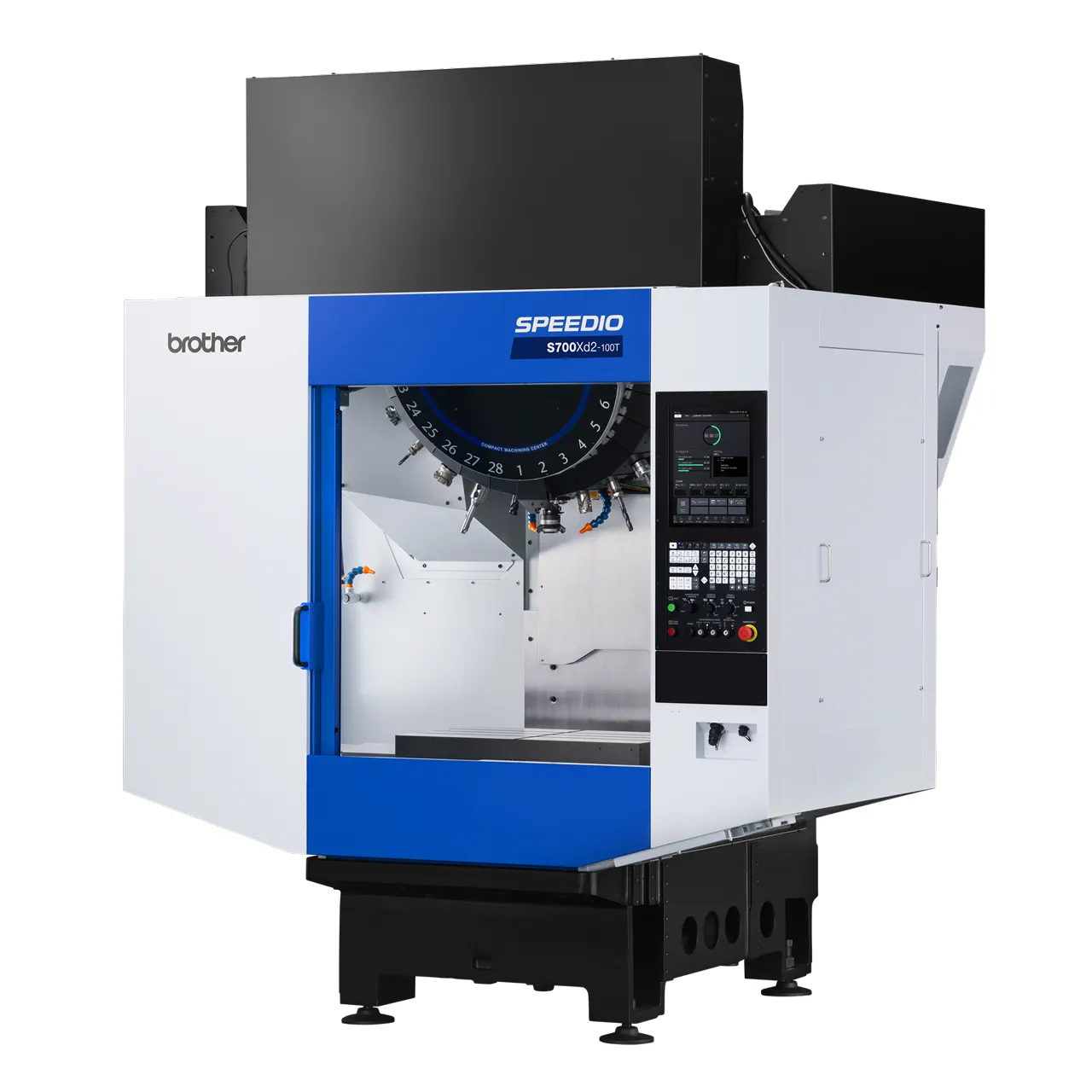
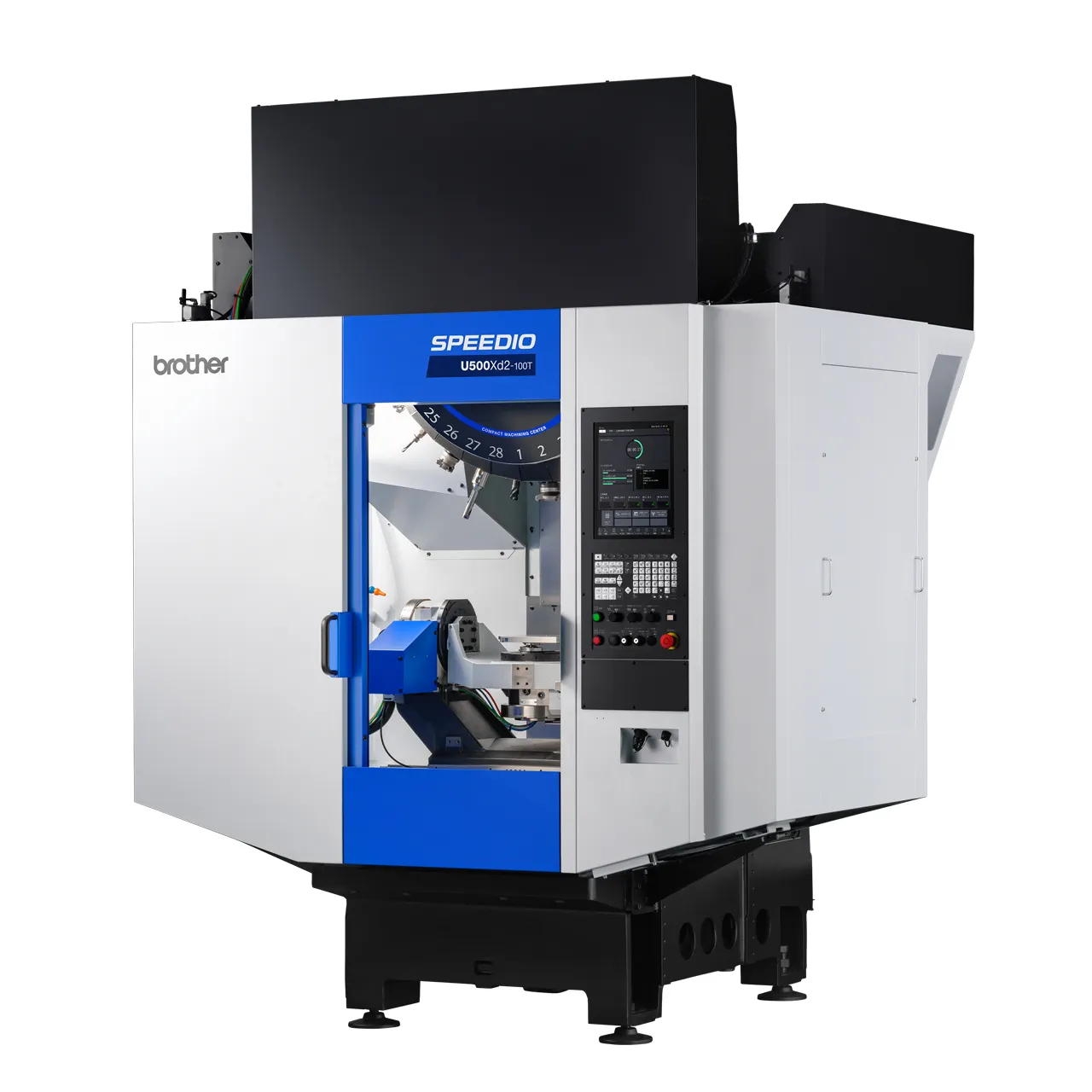
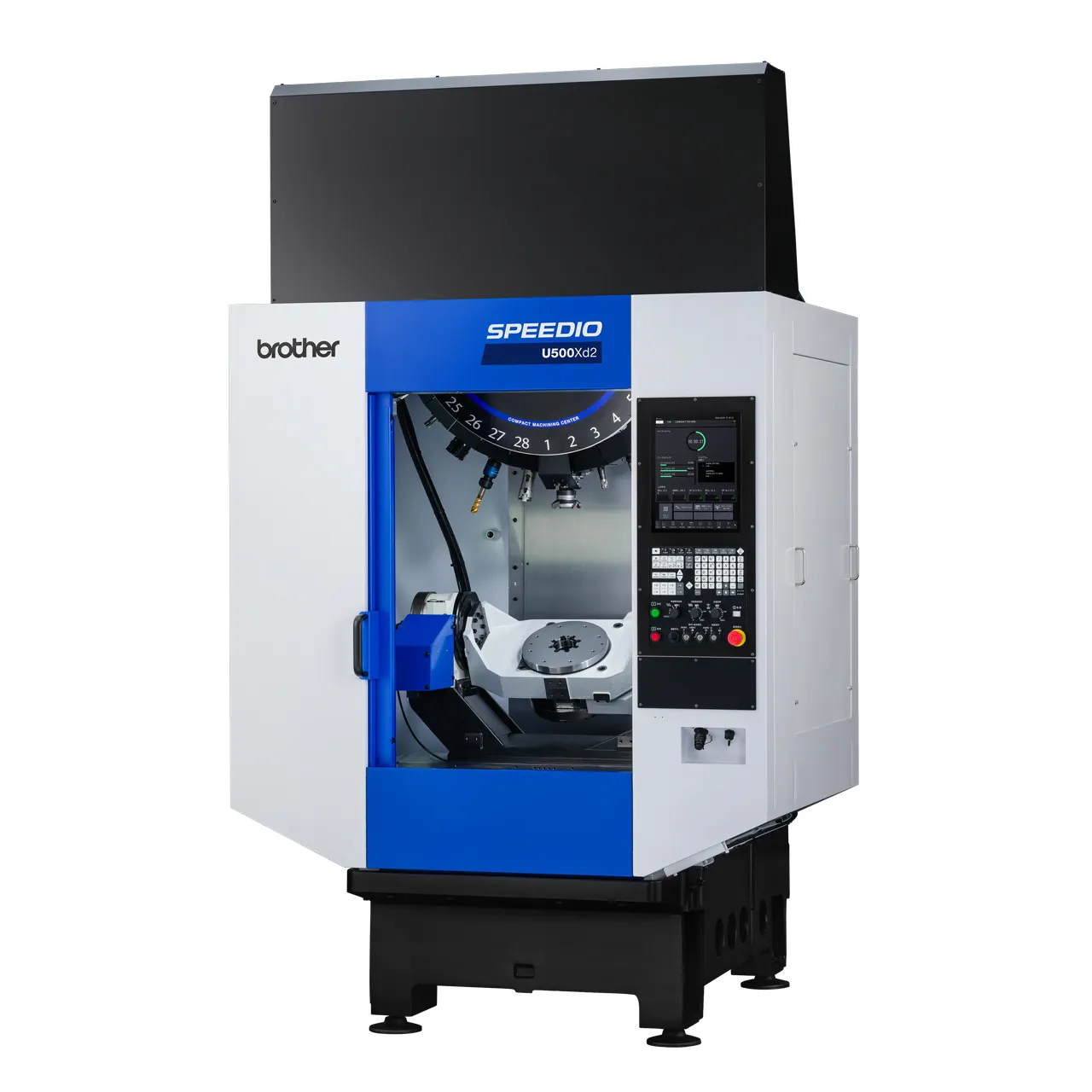
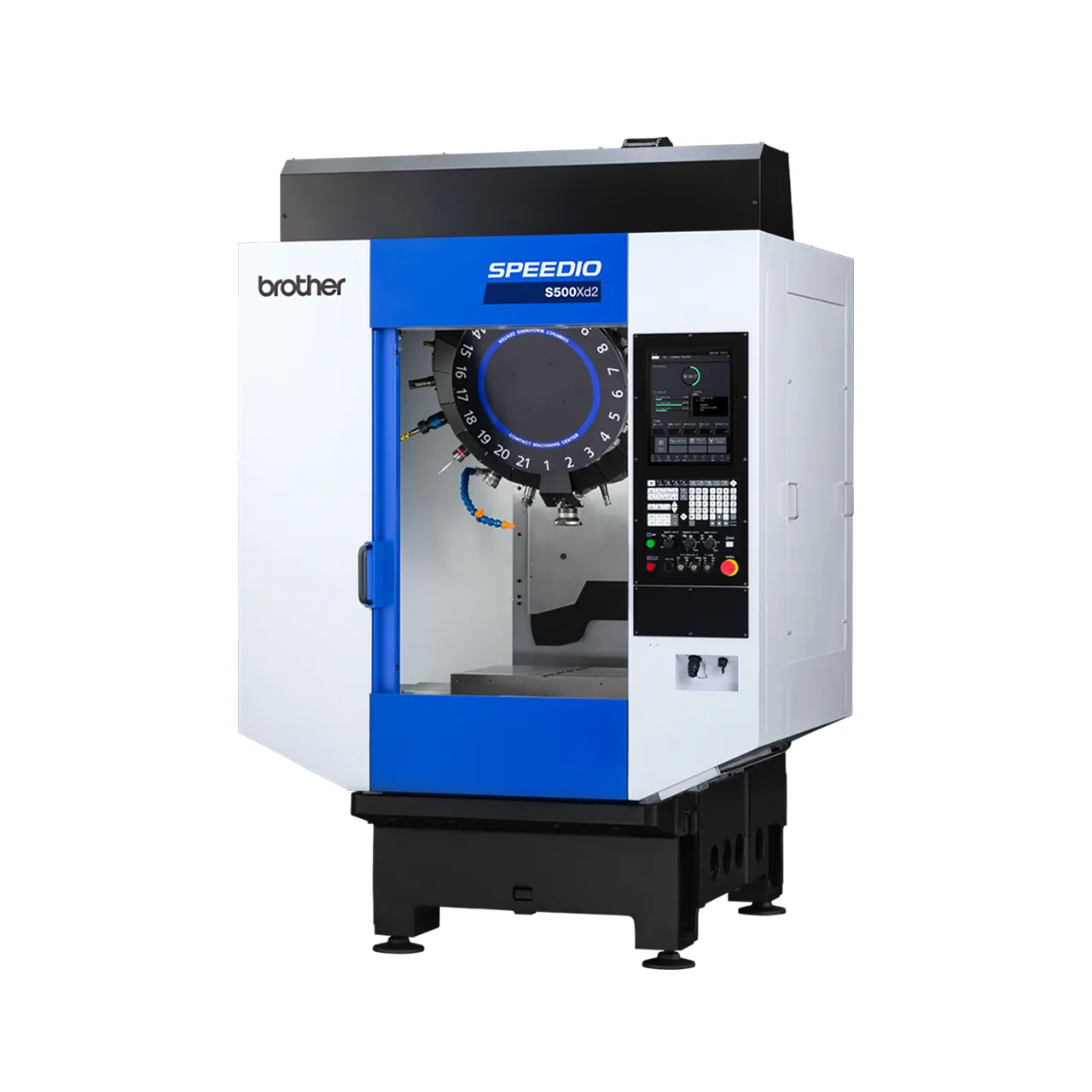
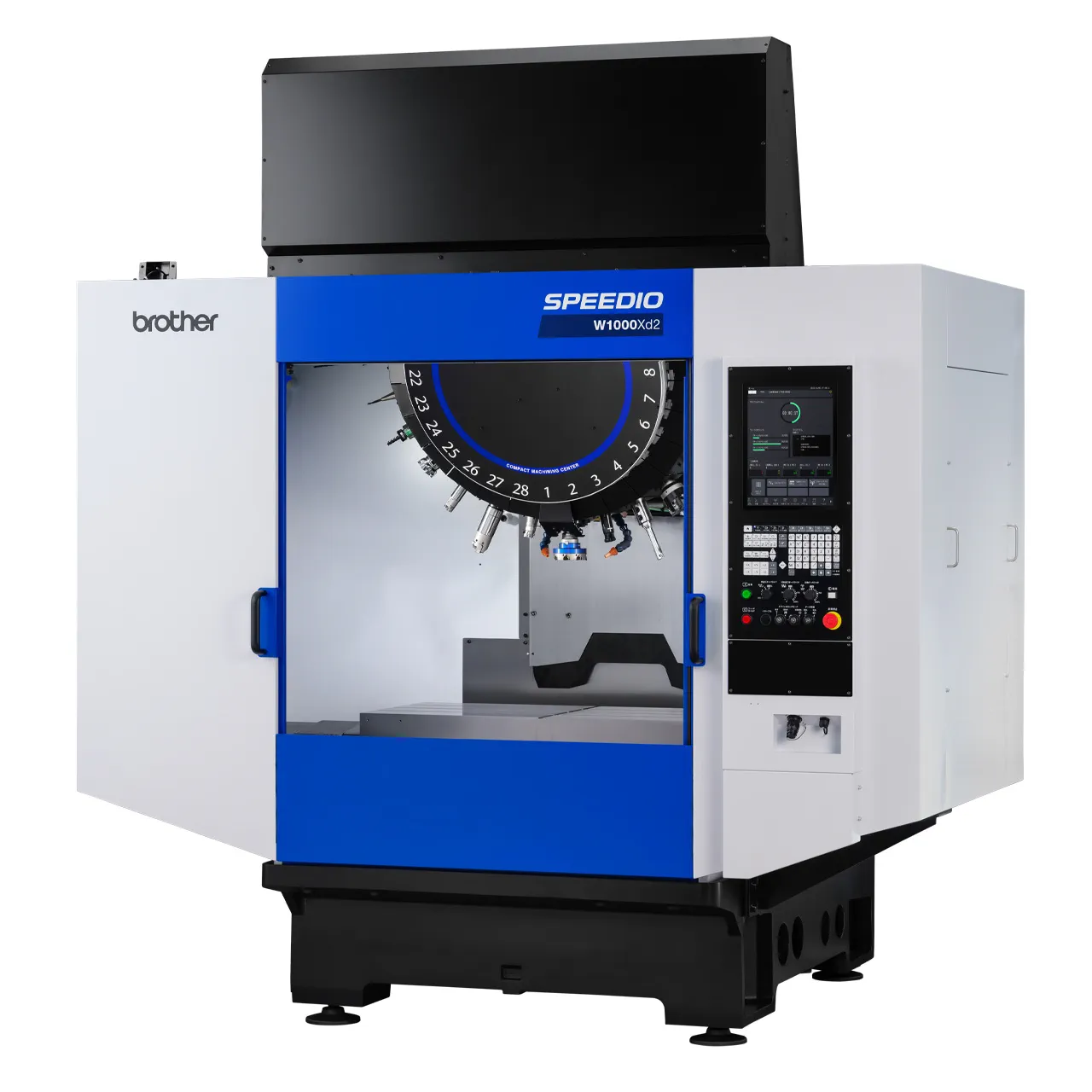
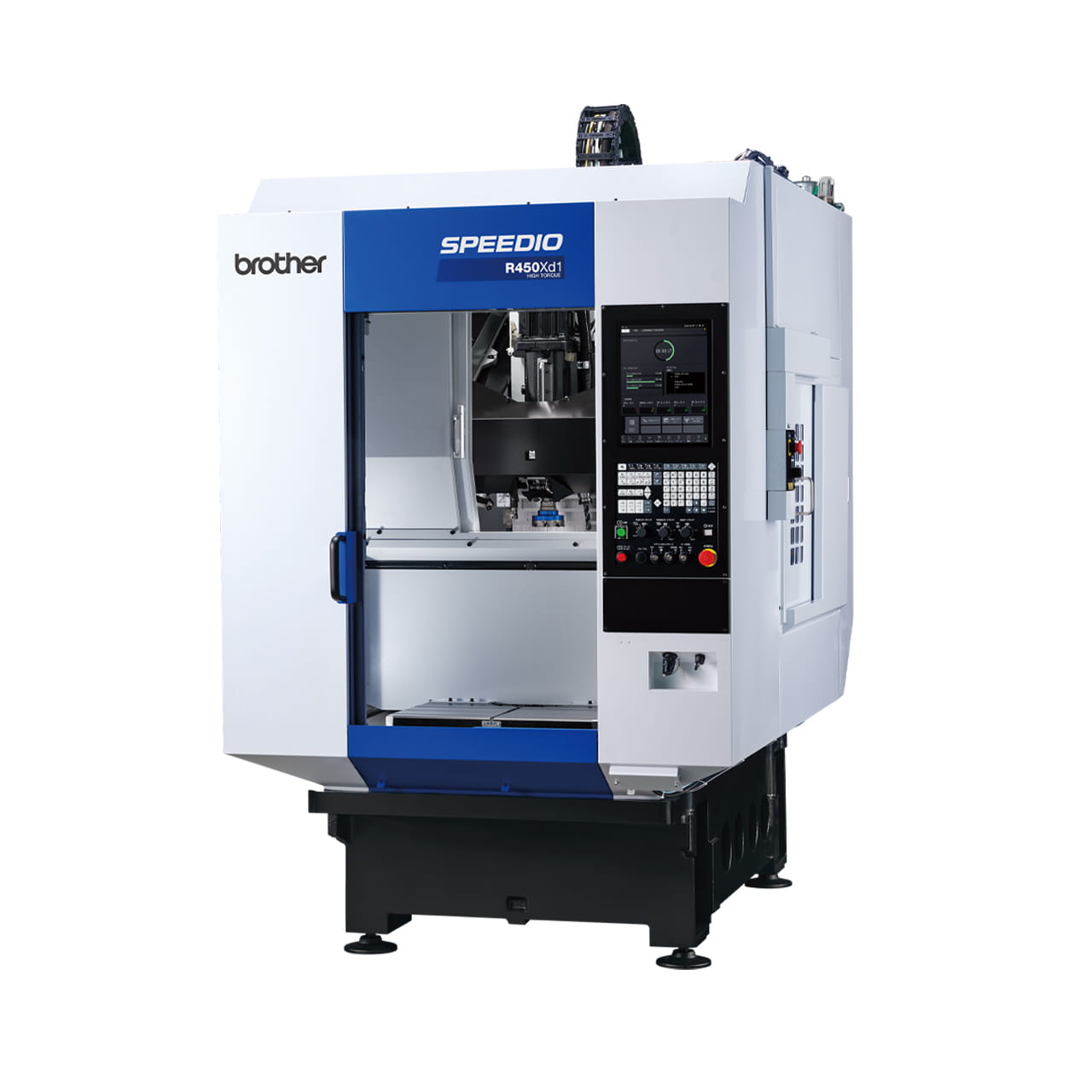
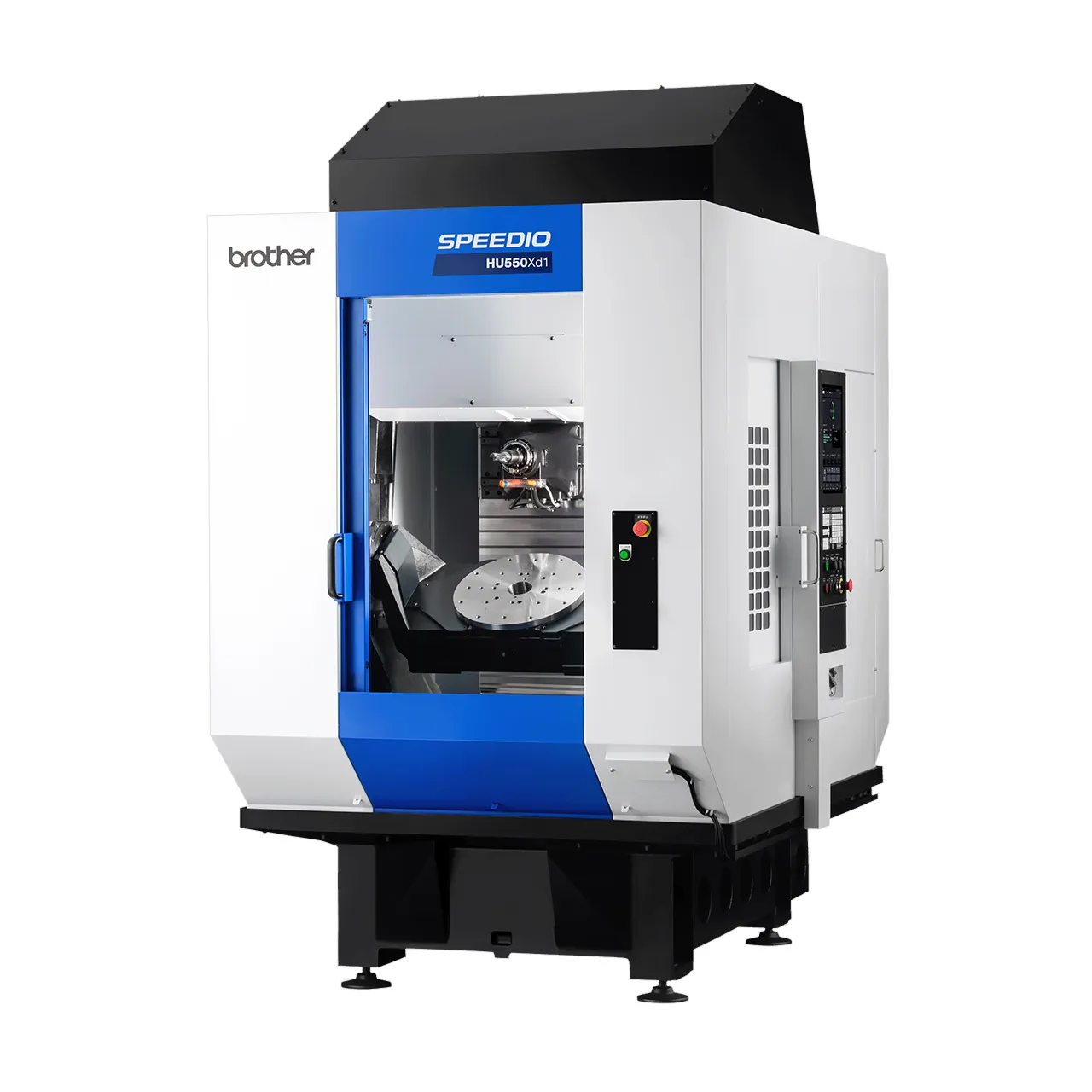
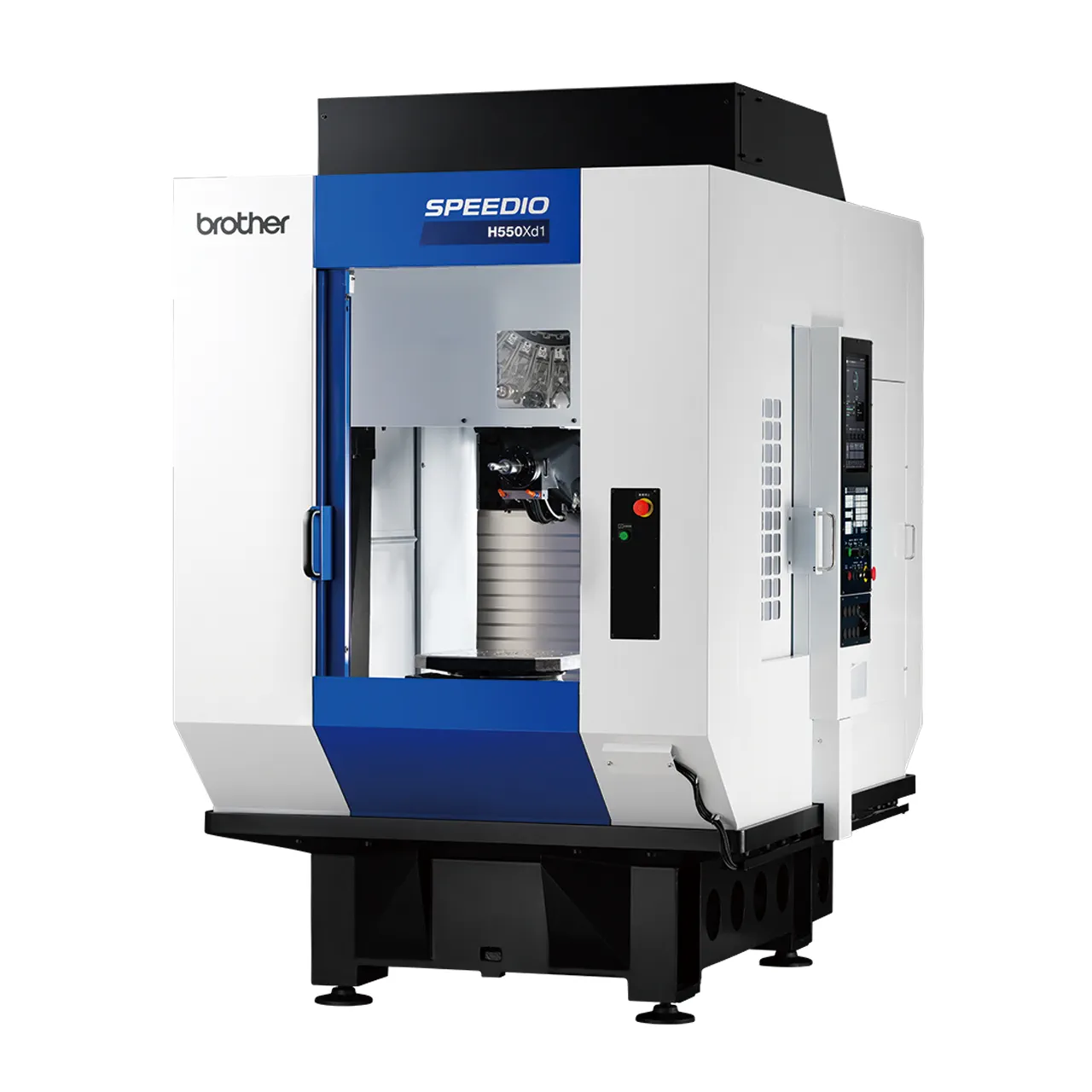
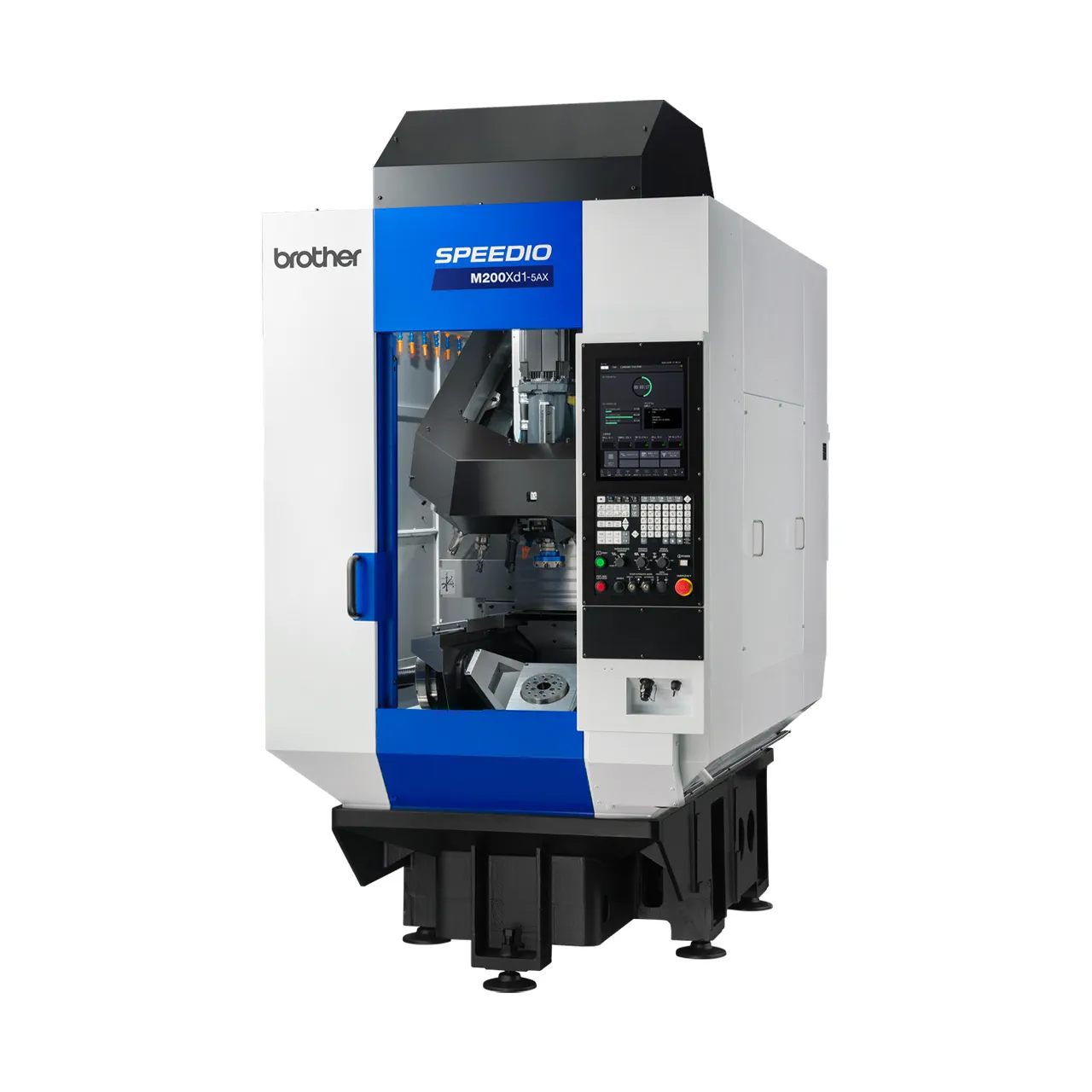
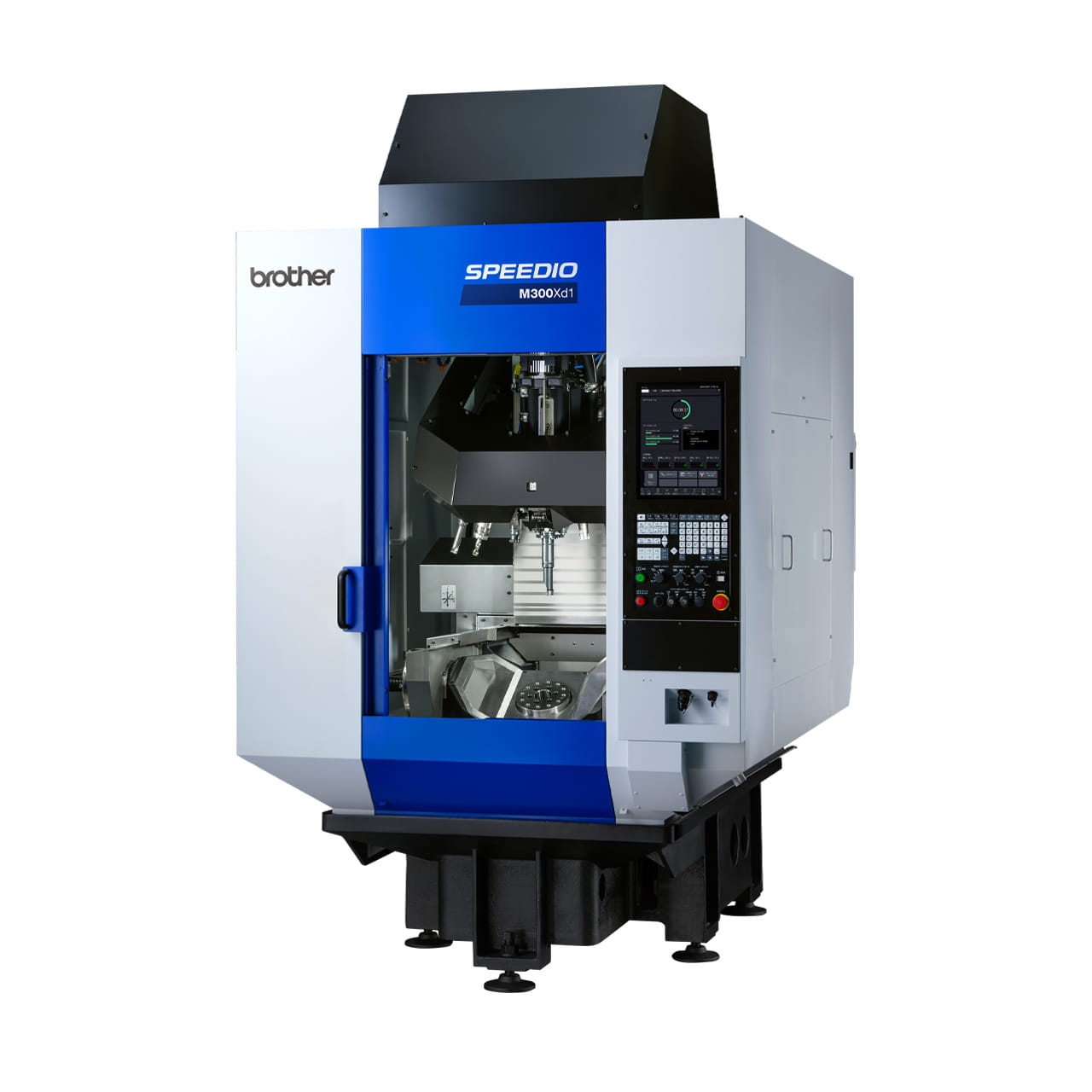
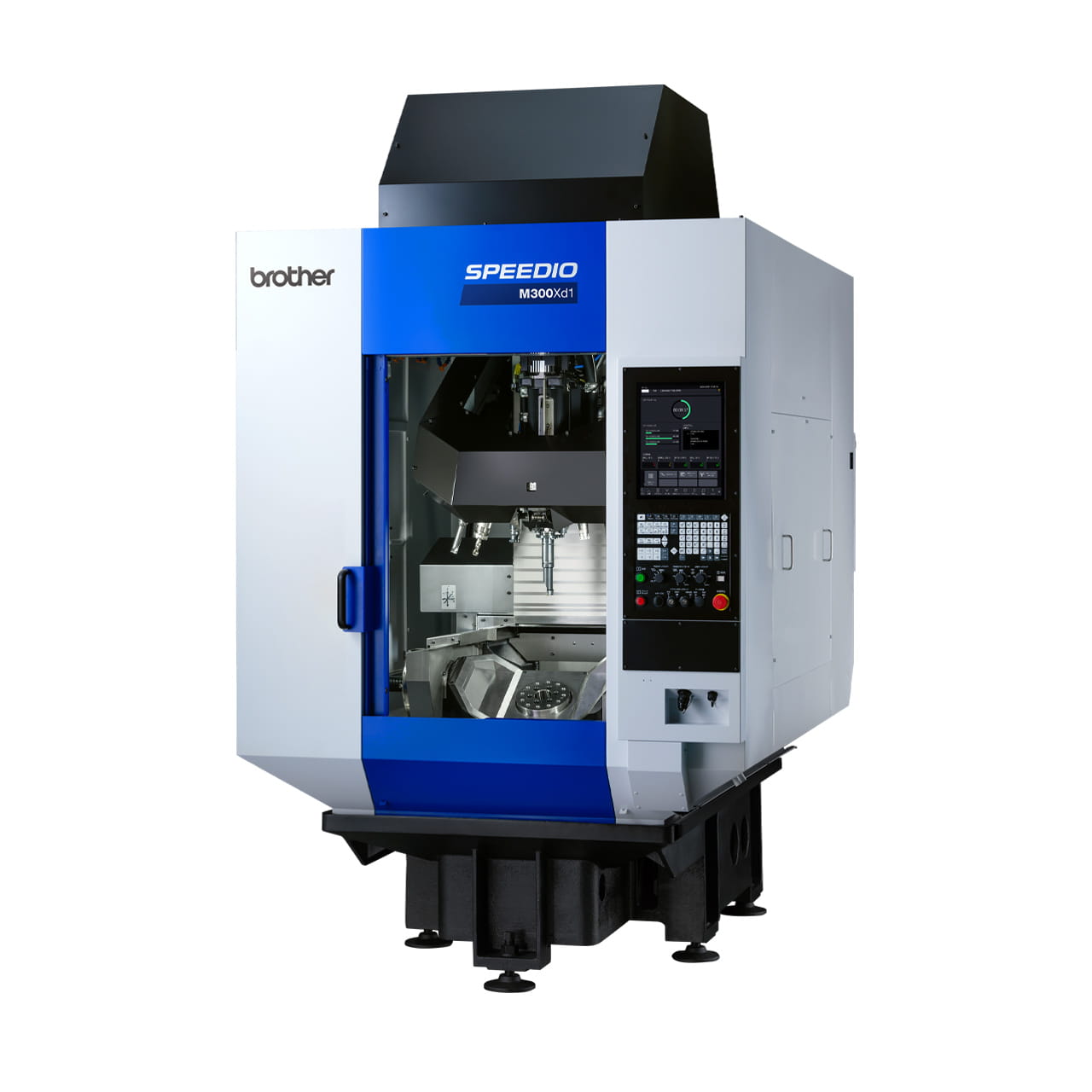
SPEEDIO's W, R, S (except 5AX and 100T), and U (except 5AX and 100T) series with micron specifications also come standard with conversational programming.
Method 3. Using Computer-Aided Manufacturing (CAM) Software
Characteristics and Advantages
This advanced method uses computer-aided manufacturing (CAM) software to define machining processes based on computer-based CAD data and automatically generate NC programs. The resulting program is transferred to the machine tool via USB memory or a network connection.
A major advantage of this method is its ability to handle complex machining tasks, including 3D shapes and simultaneous multi-axis control. It also makes it possible to conduct simulations before machining, helping to prevent errors.
This approach also facilitates a division of labor between designers and machine operators, reducing dependence on individual skills.
Disadvantages
On the other hand, it should be noted that it takes time to get used to the software operation, and implementation requires high-performance computers and software license fees. It is necessary to have an operational plan that accounts for training costs and environmental setup.
Which Method Is Most Suitable for Creating NC Programs?
There are several methods for creating NC programs, but there is no "one size fits all" method that is optimal for every situation. The key to improving productivity lies in choosing the method that best fits your company, considering factors such as machining tasks, workforce composition, and implementation costs.
In this section, we discuss the situations where each method is most suitable.
Manual
The manual method is suitable for sites that are mass-producing parts with simple shapes. If the content of the program remains consistent and does not require frequent changes, then the task can be fully managed by existing equipment and skilled staff.
For example, the following cases are applicable:
- Machining mainly involves simple tasks
- A workforce with many experienced operators who can perform manual input
- Many mass-produced products with infrequent program changes
This method is recommended for factories aiming to minimize capital investment or make full use of the skills of their experienced staff.
Interactive (Converse Method)
The interactive method is suitable for sites that primarily handle high-mix, low-volume 2D machining, or for those aiming to train operators quickly without incurring high training costs. Its intuitive operation makes it easy to create programs, even for NC beginners.
- Machining mainly involves 2D shapes
- Wants to enable staff without programming knowledge to operate the machine
- Aims to improve efficiency without spending too much
This method is particularly popular among small and medium-sized businesses, machinery plants, and other sites seeking to advance their digital transformation while keeping initial investments low.
Computer-Aided Manufacturing (CAM) Software
CAM is ideal for sites that frequently perform complex 3D machining or prototype production, or for factories aiming to establish a system with division of labor. Because the entire workflow from design to programming can be digitized, this method enables both high productivity and quality.
- Frequently handles simultaneous multi-axis machining and curved surface machining
- Implements a system with division of labor between design and manufacturing
- Wants to quickly delegate machining tasks to new staff
- A large number of prototypes are produced, with frequent programming
While this method requires learning to operate the software and implementation costs, it effectively reduces dependence on individual skills and promotes automation.
How to Avoid Dependence on Individual Staff When Creating NC Programs
"Dependence on individual skills" is a major issue when creating NC programs.
When only specific staff members can handle the task, sudden absences or resignations can directly impact productivity. It is essential to establish a system that enables anyone to create programs with consistent quality.
One effective approach is to first create templates for commonly used machining patterns. Standardizing naming conventions and rules for saving files also ensures that anyone can create programs using uniform procedures.
Another key step is developing a training system. Providing operation manuals, checklists, video manuals, and other materials makes it easier to understand for inexperienced staff and facilitates smooth transfer of skills.
Furthermore, introducing CAM or interactive software can also help reduce dependence on individual expertise. Using these tools allow even those without specialized knowledge to create programs to a certain level, enabling new staff to begin contributing quickly.
Use NC Programs to Improve Efficiency at Production Sites
NC is an essential technology for automating precision machining and reducing manpower. Introducing NC machine tools not only improves work efficiency, but also leads to consistent quality and eases the burden of human resource development.
The key is to choose the NC programming method best suited to your company site and leveraging it effectively.
For example, if your site employs many highly skilled staff and mainly performs relatively simple machining, the manual method is the simplest and most effective.
On the other hand, if your operations involve a lot of 2D machining and you aim to quickly onboard staff while minimizing training costs, interactive software is a more suitable choice. For sites handling complex 3D shapes or high-mix low-volume production, implementing CAM software and integrating the workflow from design to machining is the key to improving productivity.
Regardless of the method chosen, overall site performance will undoubtedly improve by avoiding dependence on individual skills, standardizing tasks, and developing manuals. Other benefits include reduced programming man-hours, fewer human errors, and more efficient training, ultimately resulting in lower costs and shorter delivery times.
NC programs are not merely "machining instructions," they are assets that form the backbone of your production site. By identifying the most appropriate method based on your business type, equipment, and workforce composition, and turning it into a core company strength, you can achieve a balance between operational stability and long-term growth at your site.
Harness the full potential of NC programs to drive both production efficiency and the sustainable transfer of technical skills.
Author: Hitomi Kawai
Editor: EGGO CO., LTD.
Related Articles
What Is High-Mix Low-Volume Production? Explaining Its Rising Popularity, Its Advantages and Disadvantages