What Are G Codes? List of Major Codes and How to Read Programs
Machining with an NC machine tool requires an "NC program." One of the key elements of this program is the "G code." There are a huge number of G codes, but remembering the major ones will help you troubleshoot errors and improve work efficiency. This article introduces commonly used G codes and what they can do by category.
What Are G Codes?
G codes are a type of code used to write programs for NC machine tools.
The codes used in programs can be broadly divided into two categories: G codes (preparatory functions) and M codes (miscellaneous functions). G codes are often used to issue commands related to machining, so you will encounter them more frequently than other codes.
A Type of Program Used to Operate NC Machine Tools
G codes are a type of NC machine tool program defined independently by the Japanese Industrial Standards (JIS), ISO, and machine tool manufacturers. G codes begin with G00. They are used to issue machining-related commands to NC machine tools, such as specifying the positioning and direction of materials, or specifying the position of tools.
Two Broad Types of G Codes
G codes can be broadly divided into "one-shot G codes" and "modal G codes."
One-shot G codes issue commands only on a specified line in a program. On the other hand, modal G codes remain valid until a command is issued by another G code in the same group.
Benefits of Using G Codes
If an error occurs in a program, remembering G codes allows you to swiftly deal with the issue by helping you to quickly identify the problem and adjust the program to resume machining. This also helps minimize downtime during machining.
In recent years, data for machining and other operations can be easily created using CAD/CAM, so NC machine tool operators are less likely to input data manually. As a result, the need to memorize G codes has decreased compared to the past.
However, even with such programs, machining may not always go as expected.
In cases where you need to enter a program manually, knowing G codes enables you to handle the situation smoothly.
How to Read Programs Using G Codes
Machining programs used with NC machine tools consist of a combination of G codes and other codes that specify coordinate positions (X, Y, Z), the type of tool to use, among others.
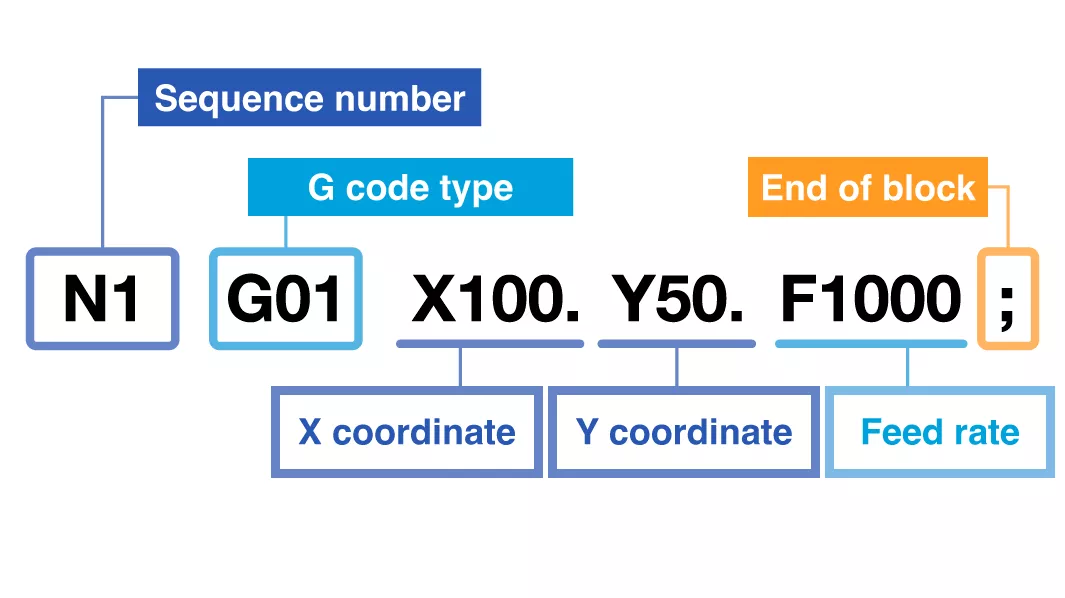
For example, the program "N1 G01 X100.Y50.F1000;" means "Move the tool in a straight line to the position with an X coordinate of 100 mm and a Y coordinate of 50 mm at a speed of 1000 mm/min."
List of Major G Codes
This section presents a list of the most frequently used G codes and their functions.
Related to Basic Operations
Used for basic NC machine tool operations, such as moving and stopping the tool.
| G-code type | Meaning | What it can do |
|---|---|---|
| G00 | Positioning | Rapidly moves the tool to the specified position |
| G01 | Linear interpolation | Moves the tool in a straight line |
| G02 | Arc interpolation | Moves the tool clockwise |
| G03 | Moves the tool counterclockwise | |
| G04 | Dwell | Stops the tool for a specified amount of time |
Among these, G04 corresponds to the one-shot code mentioned above.
Specifying Tools and Coordinates
Used to specify which tool or plane to use when machining or moving a tool.
| G-code type | Meaning | What it can do |
|---|---|---|
| G17 | Plane selection | Specifies operation on the XY plane |
| G18 | Specifies operation on the ZX plane | |
| G19 | Specifies operation on the YZ plane | |
| G28 | Return to zero point | Moves the tool to the zero point (reference point) |
| G40 | Cutter compensation cancel | Cancels the specified cutter compensation |
| G41 | Cutter compensation | Shifts the tool to the left in the direction of travel for machining |
| G42 | Shifts the tool to the right in the direction of travel for machining | |
| G43 | Tool length compensation | Shifts the tool in the positive direction of the Z axis for machining |
| G44 | Shifts the tool in the negative direction of the Z axis for machining | |
| G49 | Tool length compensation cancel | Cancels the specified tool length compensation |
| G54 to G59 | Workpiece coordinate system selection | Selects one of up to six pre-registered workpiece coordinates |
For G54 to G59, you can set one specific workpiece coordinate system as the machining zero point per code. G54 is selected when the power is turned on.
Related to Canned Cycles
Designed to allow the most frequently used machining cycles to be performed with short codes.
| G-code type | Meaning | What it can do |
|---|---|---|
| G80 | Canned cycle cancel | Cancels execution of the specified canned cycle |
| G81 | Drill cycle | Drills a new hole to the specified position (drilling) |
| G82 | Drills a new hole to the specified position, then performs a dwell | |
| G83 | Peck drilling cycle | Drills a deep hole to the specified position |
| G84 | Tapping cycle | Taps a pre-drilled hole |
| G85 | Boring cycle | Drills a hole to the specified position (spot facing) |
| G86 | Drills a hole to the specified position, performs a dwell, then rapidly returns to retract point | |
| G87 | Back boring cycle | Machines the back side of an existing hole at the specified position (back counterbore) |
| G88 | Boring cycle | Drills a hole to the specified position, then stops operation to allow for manual operation |
| G89 | Drills a hole to the specified position, performs a dwell, then returns to retract point at feed rate |
Related to Setting Distance From Zero Point and Return Point
Used to specify the location for machining and the return location after the tool finished machining.
| G-code type | Meaning | What it can do |
|---|---|---|
| G90 | Absolute dimensions (absolute coordinates) | Moves the tool to the specified coordinates relative to the zero point, regardless of its current position |
| G91 | Incremental dimensions (relative coordinates) | Moves the tool to the specified coordinates from its current position |
| G98 | Canned cycle initial point level return | After the canned cycle ends, returns the tool to the Z-axis position it occupied when the canned cycle was commanded |
| G99 | Canned cycle retract point level return | After the canned cycle ends, returns the tool to the Z-axis position it occupied when the feed rate began |
G90 and G91 may appear similar at first glance, but these G codes operate in completely different ways, so a thorough understanding of each is essential. Also, be careful when using G98 and G99, as they may cause tool interference depending on the shape of the workpiece.
Example of Codes Used With G Codes
Other codes used in conjunction with G codes include the following.
| Code type | Meaning | What it can do |
|---|---|---|
| N | Sequence number | Used as a marker to make programs easier to read |
| () | Control out-in | Used to annotate programs or create notes |
| ; | End of block (EOB) | Indicates the end of the line in a program |
Example of Program Using G Codes
In this section, we show an example of an actual program using G codes presented so far.
Example: A program for machining from the initial point to the final point with tool change, S = 3000 min-1, F = 1800 mm/min
G54;Select workpiece coordinate system
G90;Absolute coordinates
M06 T1;Change tool to T1
M03 S3000;Rotate spindle forward at 3000 min-1
G00 X30.0Y30.0;Move tool to X30, Y30
G00 Z25.0;Move tool to Z25
G01 X90.0Y70.0F1800;
Feed to X90, Y70 machining at 1800 mm/min
G00 Z100.0;Move tool to Z100
M05;Stop spindle
M30;End program
What to Watch Out for When Using G Codes
When using G codes, be sure to check the manufacturer and model of the NC machine tool first. This is because the same code may execute different commands depending on the NC machine tool used.
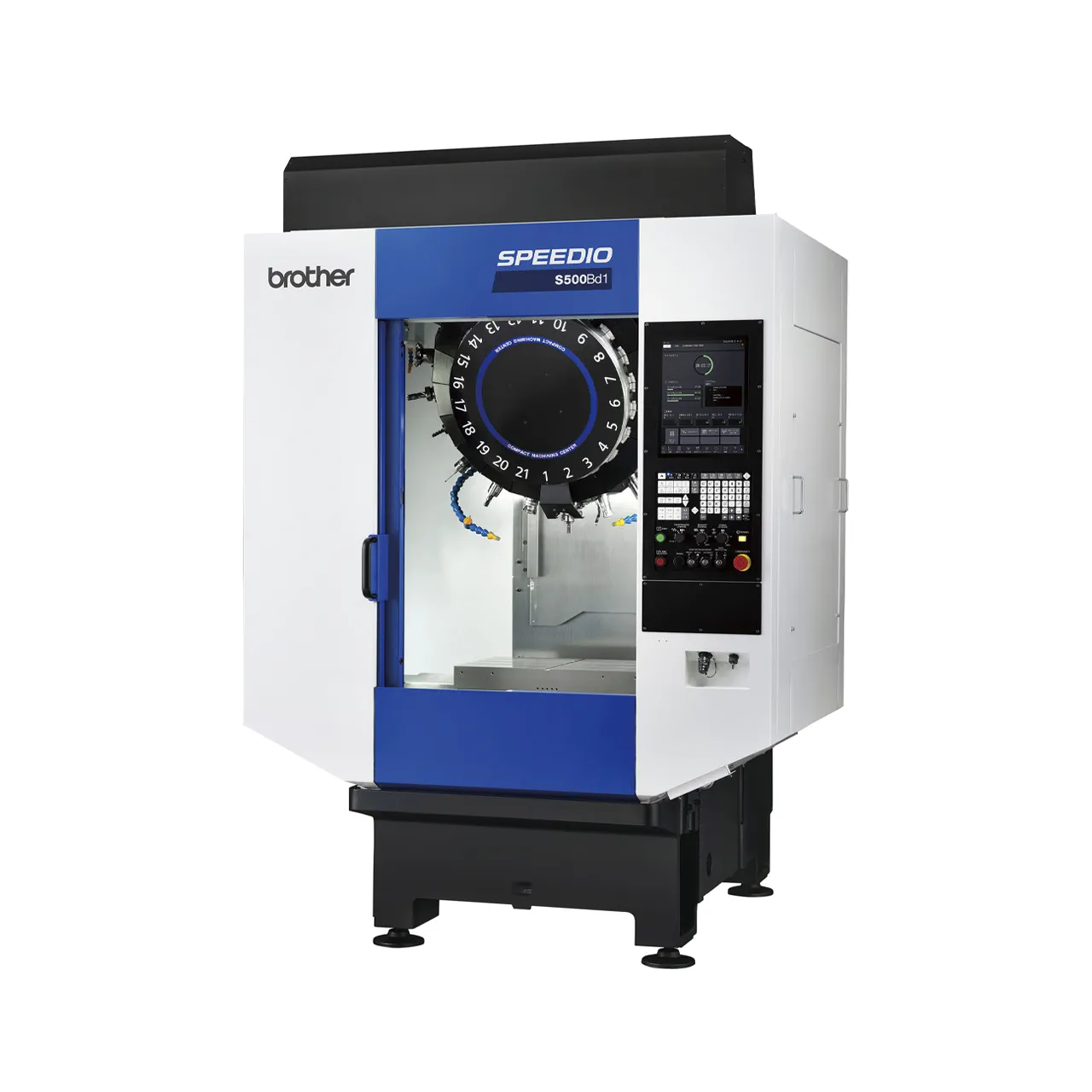
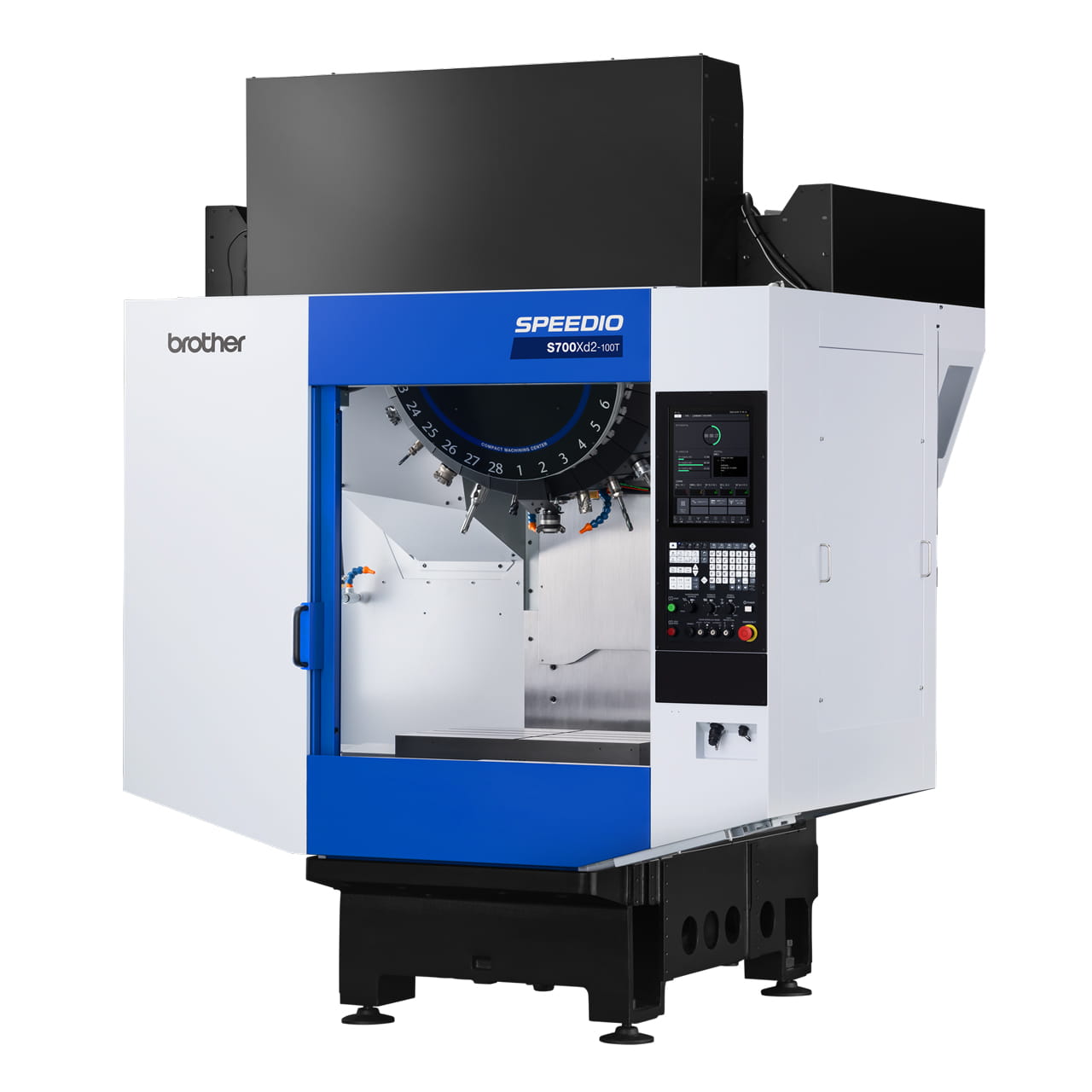
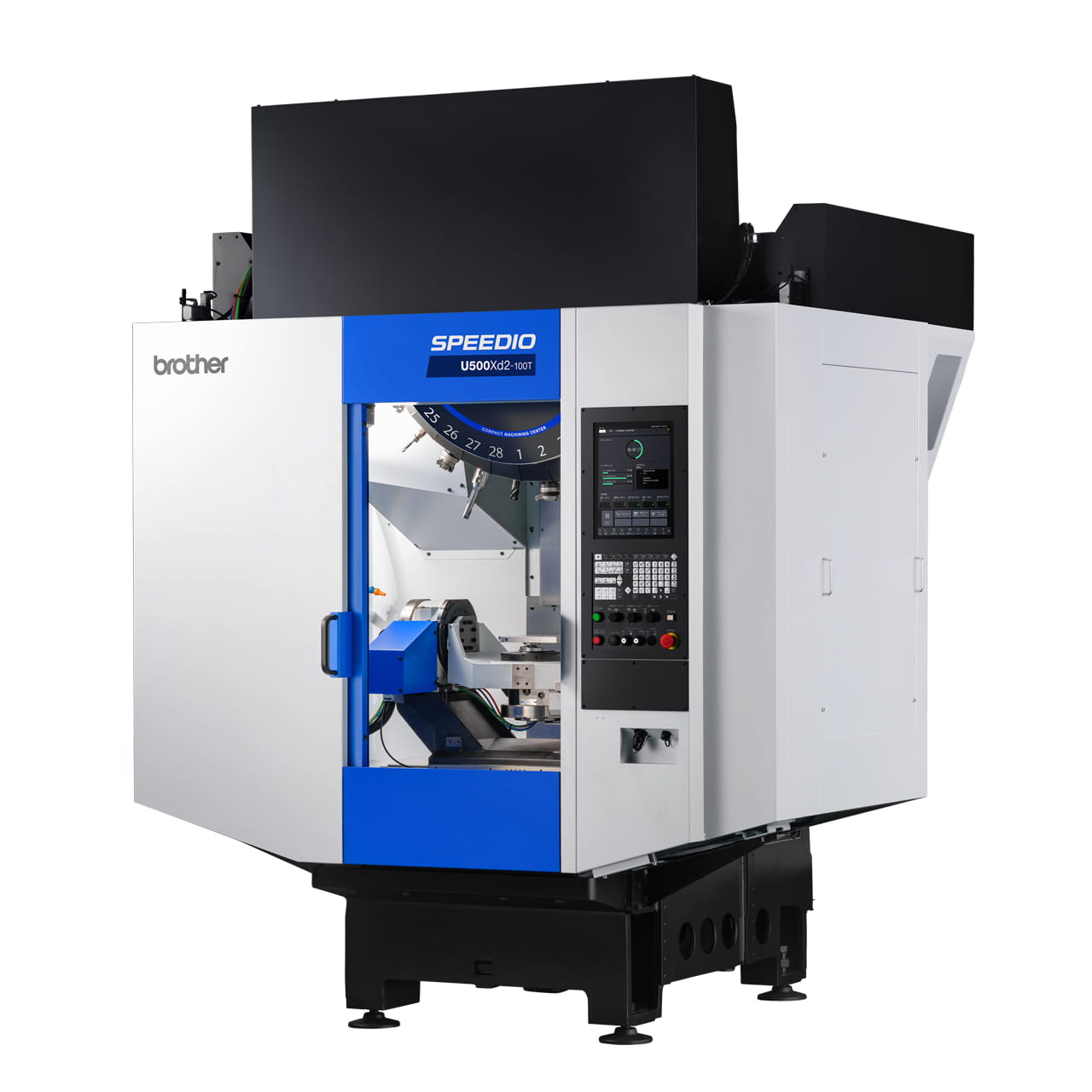
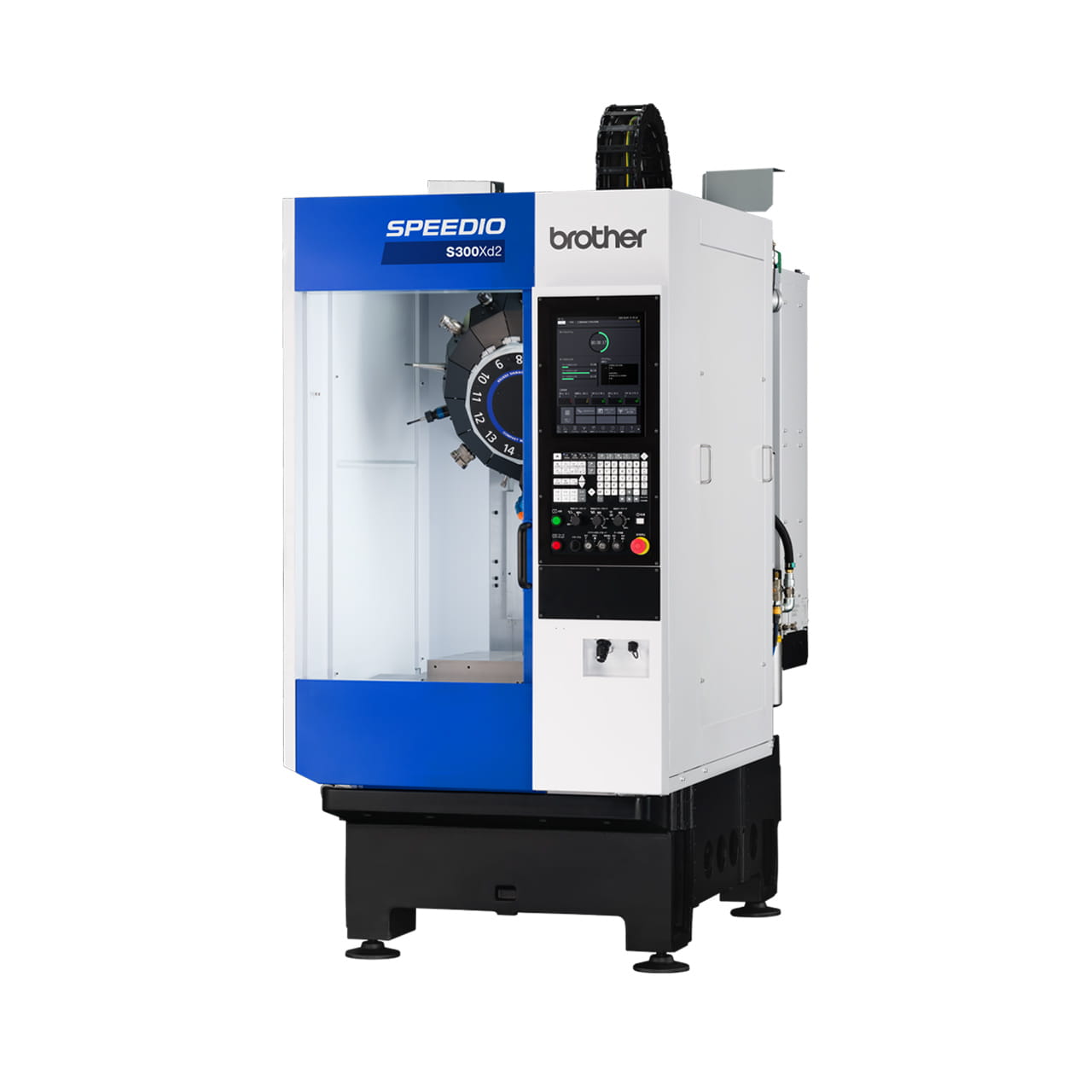
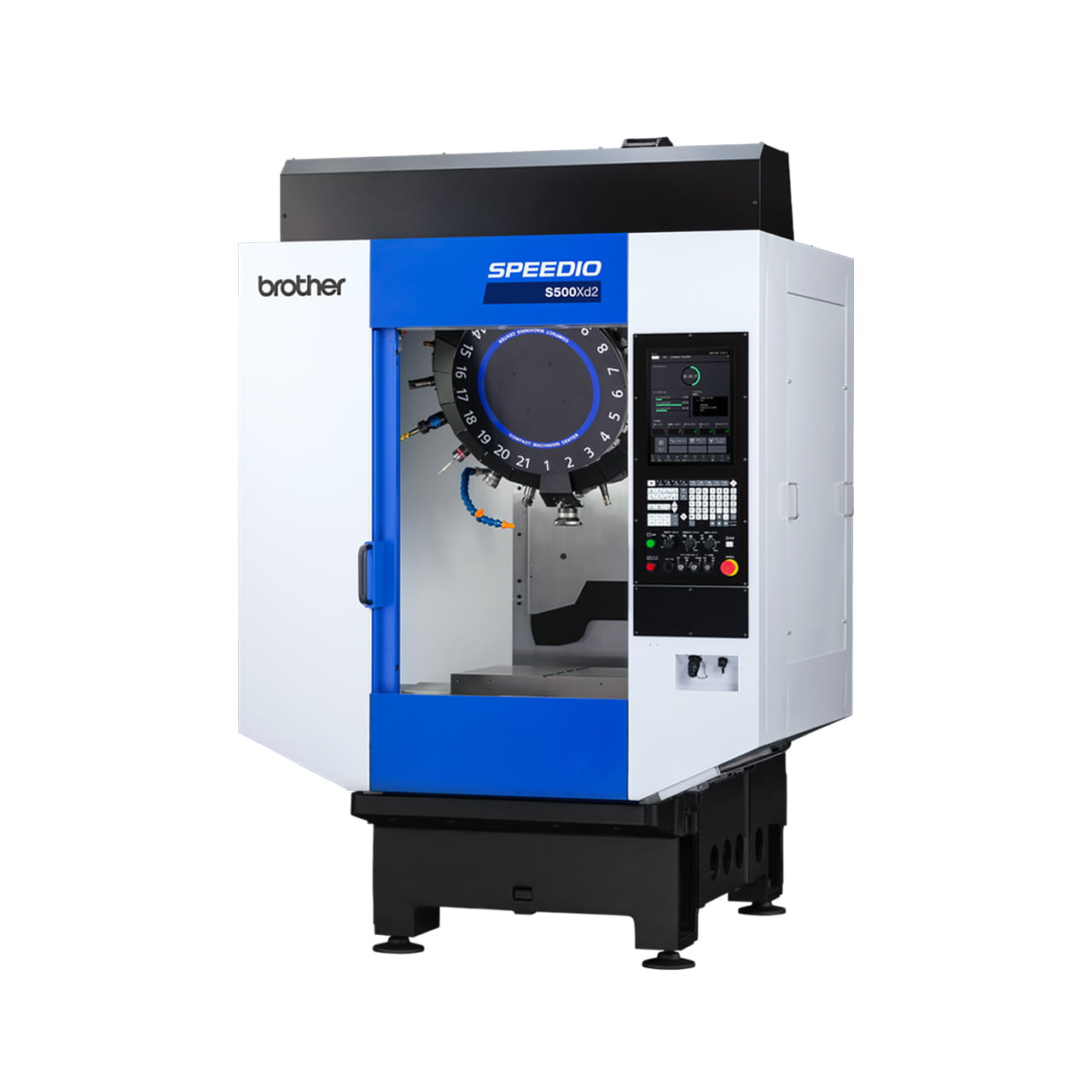
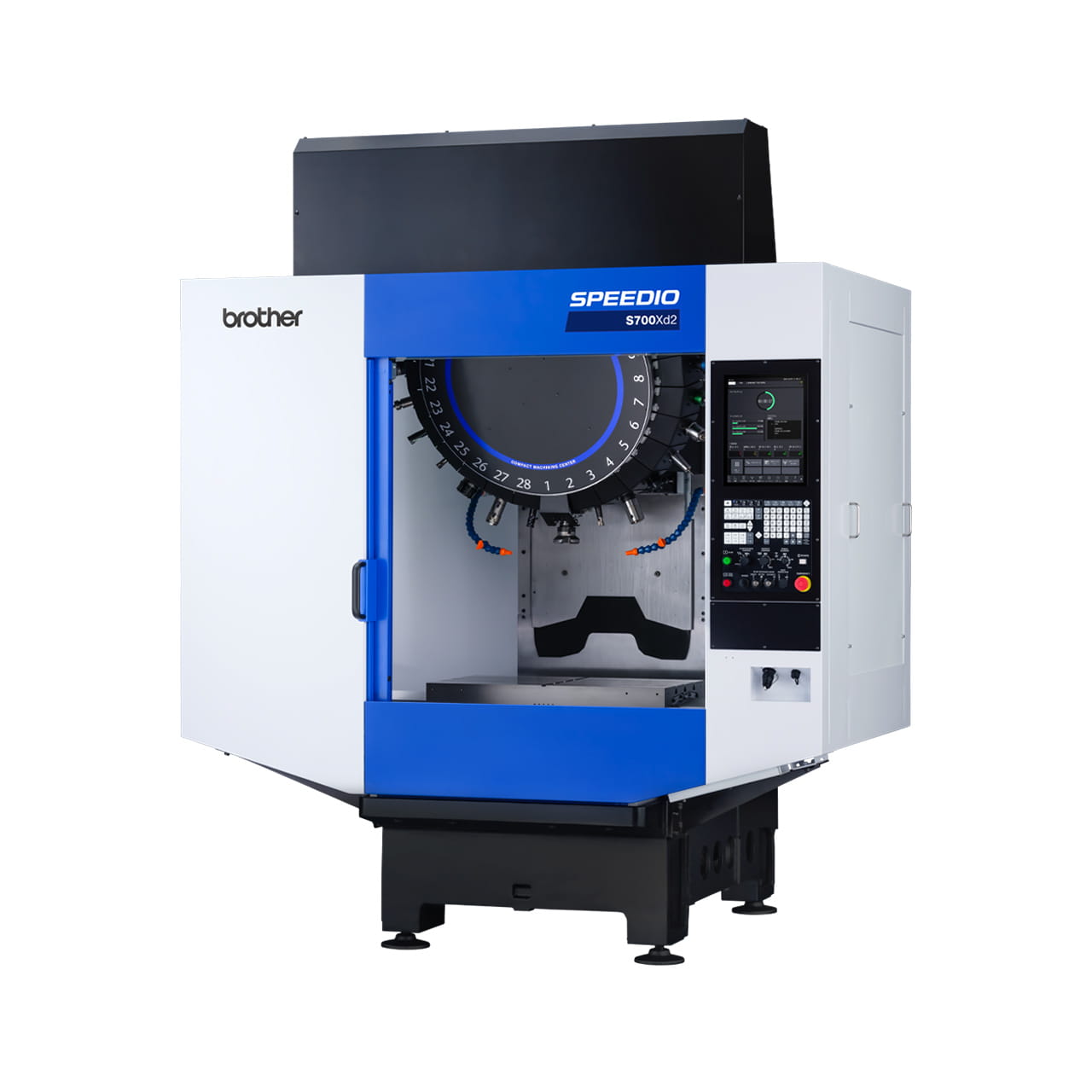
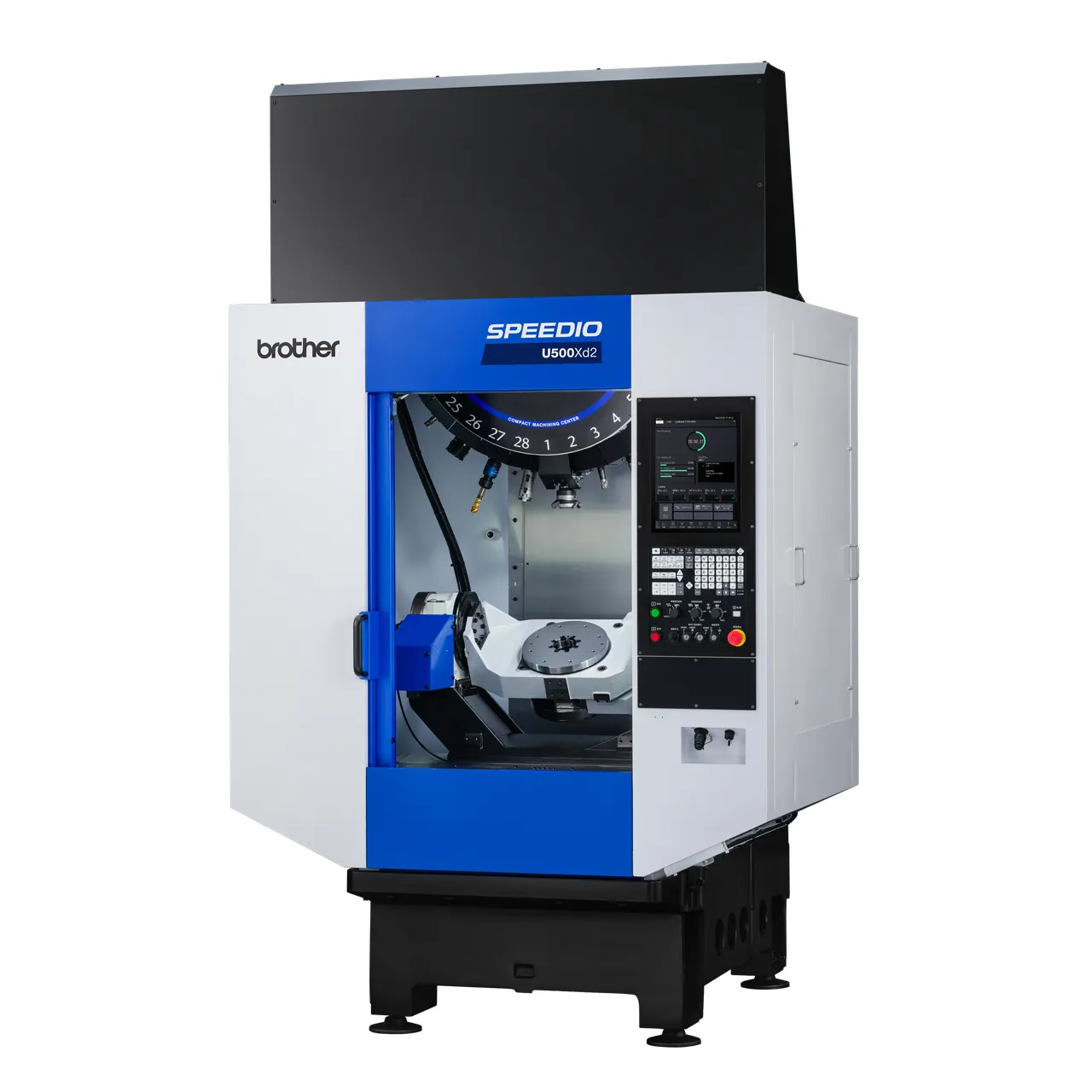
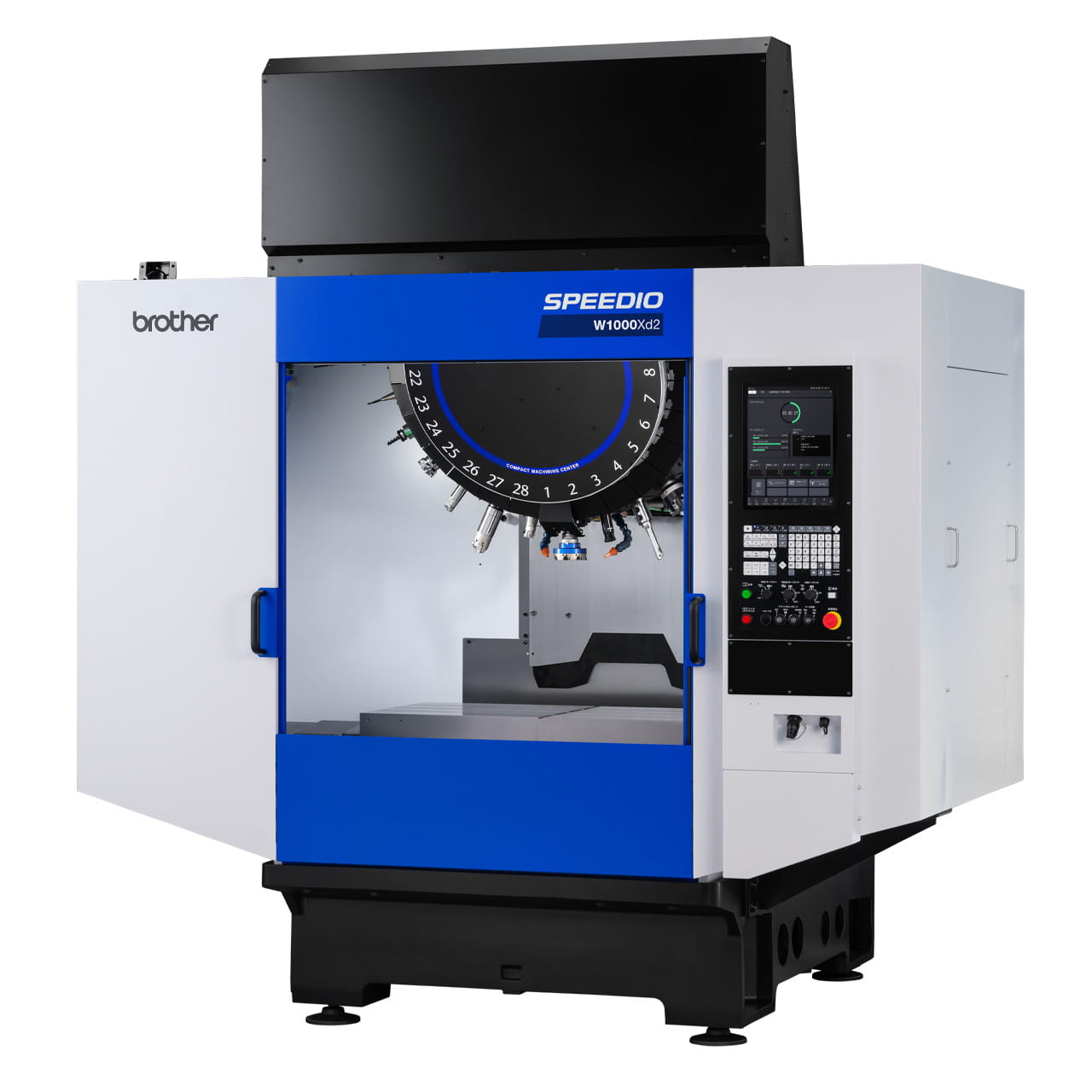
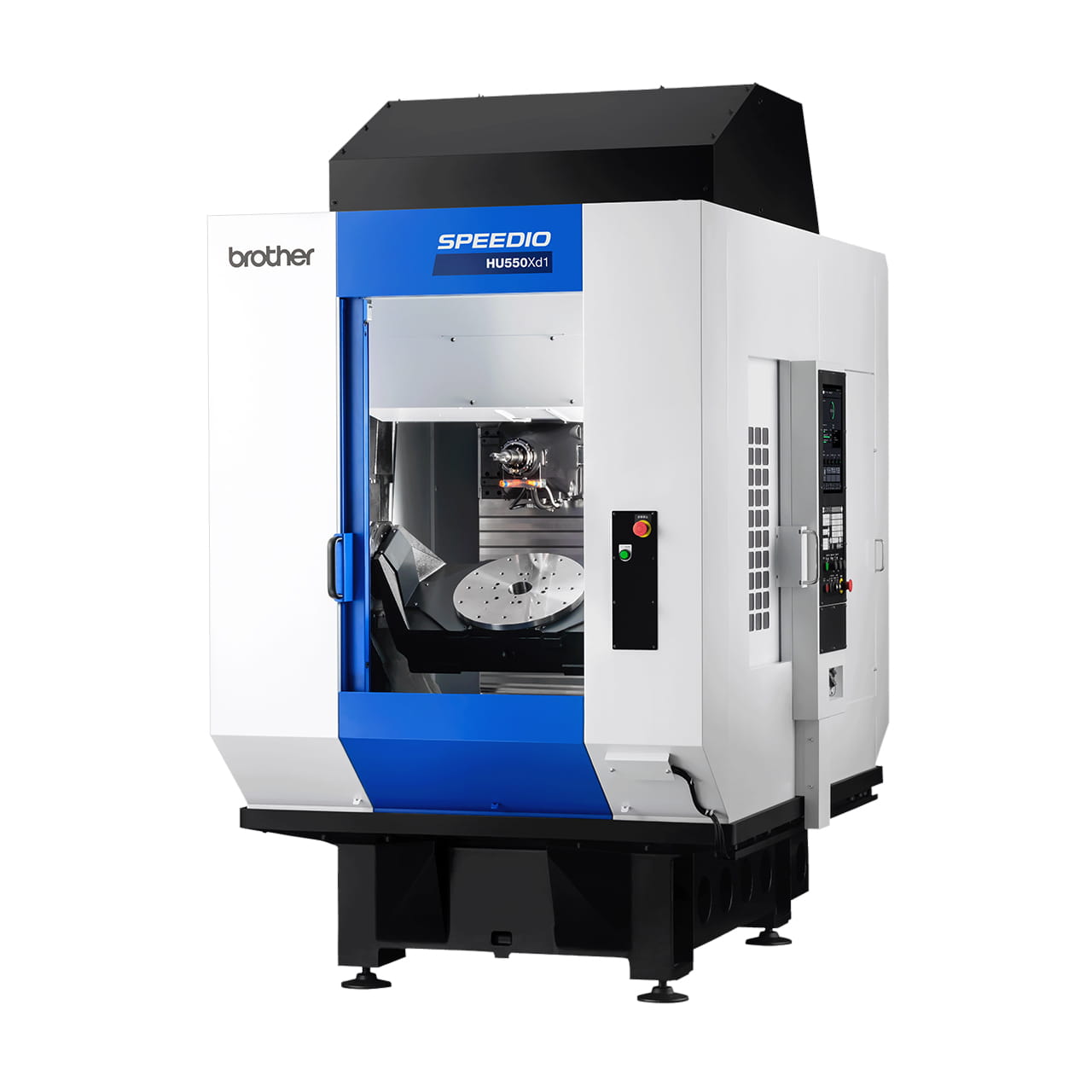
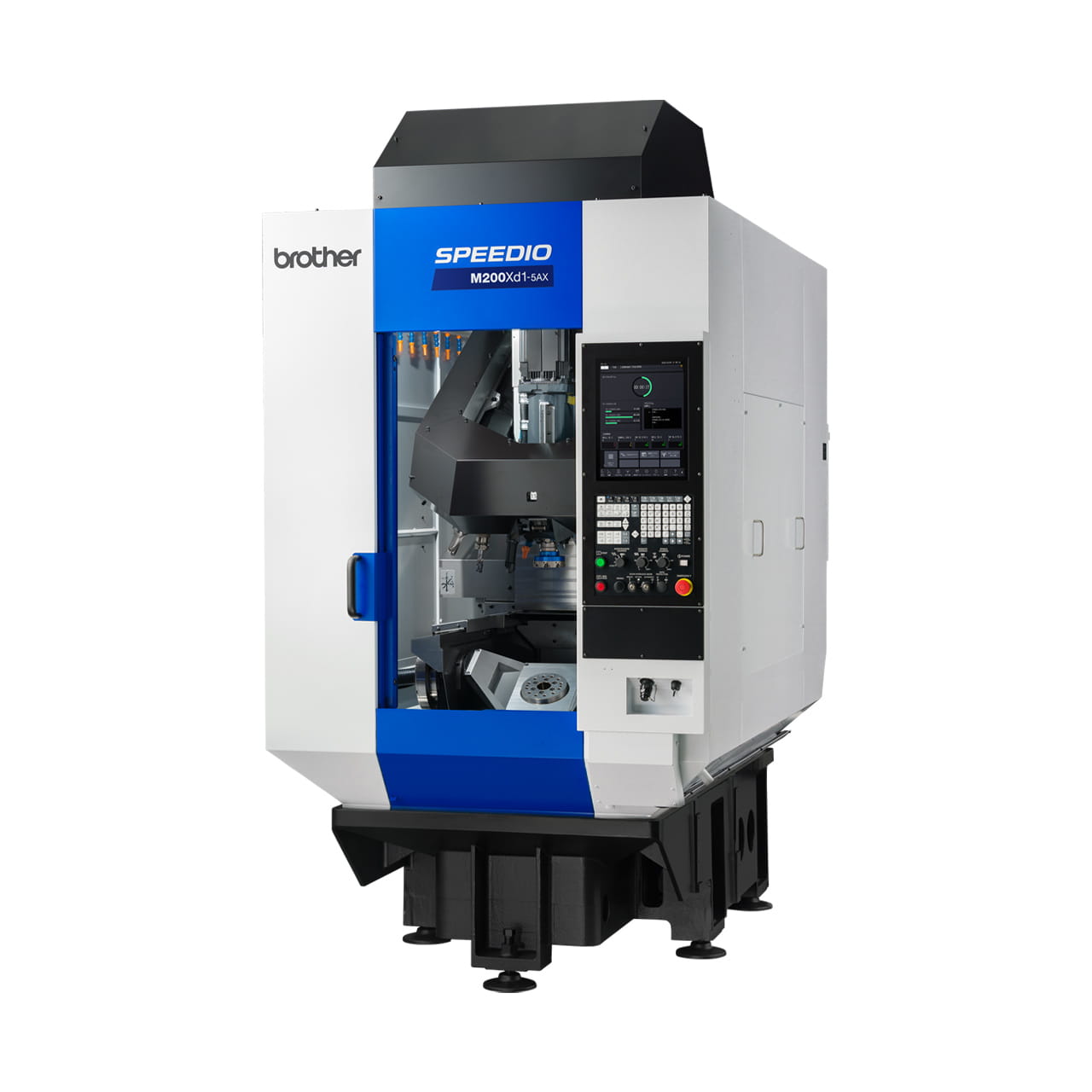
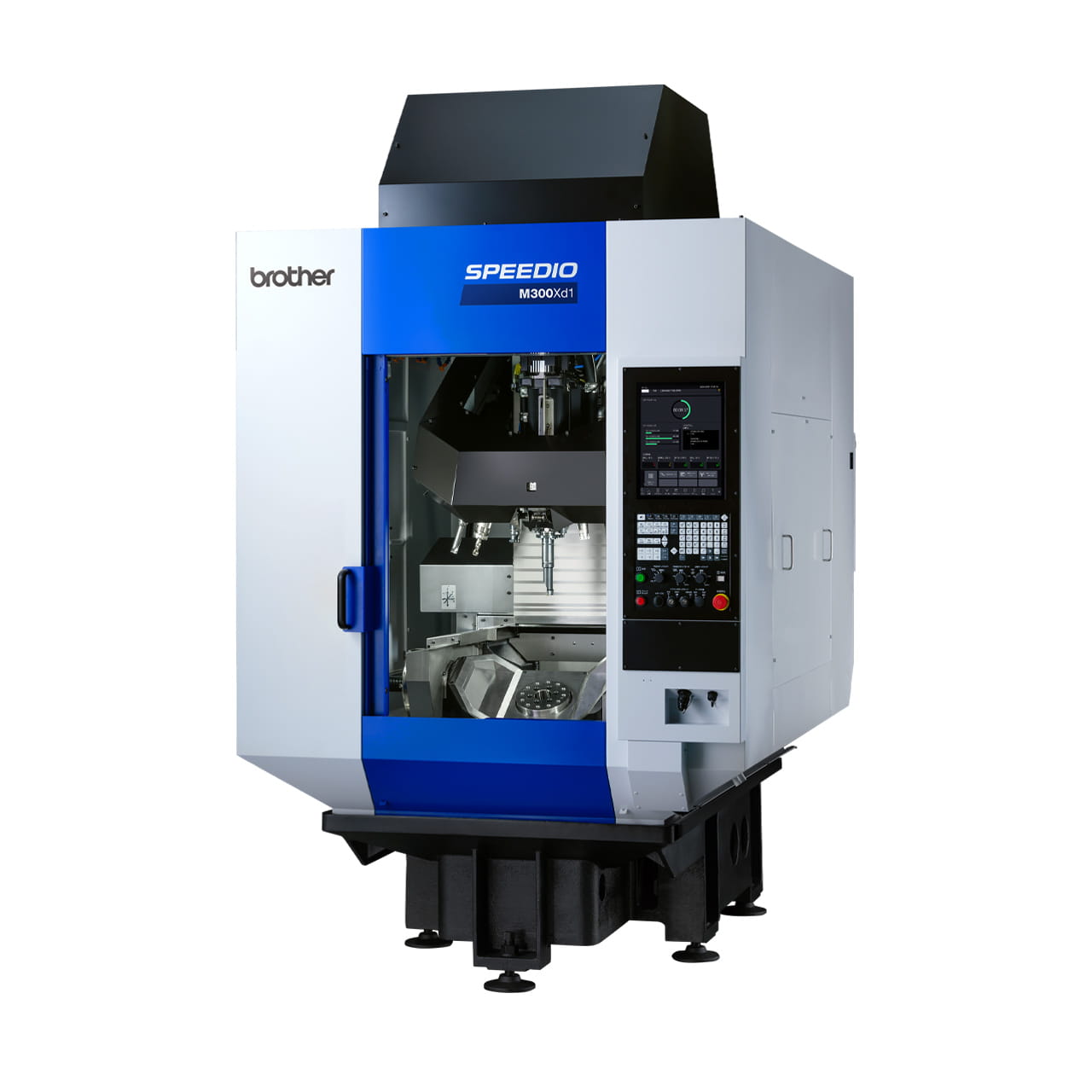
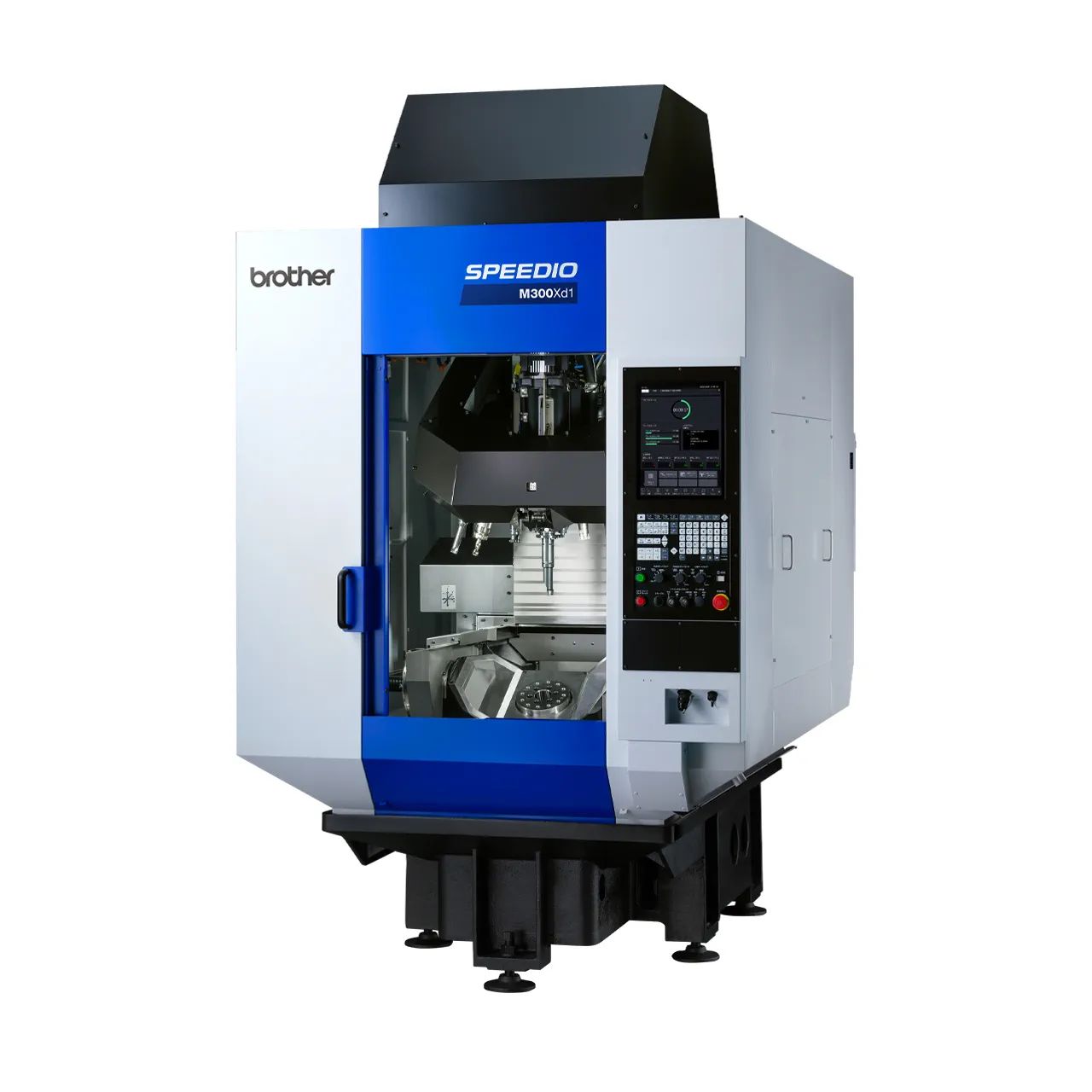
Some manufacturers create G codes tailored to specific NC machine tools. For example, "G100" on Brother's SPEEDIO is a unique code that enables tool change, positioning, and spindle start in a single line.
Understanding Major G Codes Improves Work Efficiency
G codes are indispensable for controlling NC machine tool operations. While several codes may appear similar at first glance, each one differs in what it can do, so it's important to understand these differences as you memorize them.
Start by gradually learning the codes related to basic operations. Once you have a grasp of the overall picture, I recommend staying informed about how to use different codes with similar functions.
Author: Hiroko Shimokawa
Editor: EGGO CO., LTD.
Related Articles
Basics of Ferrous Materials Used in Machining! Types and Features of Machining Materials Explained